HANDS-ON SESSIONS FOR OWNERS AND ADMINISTRATORS
AI for the office sideof your care home.
CareMAR is nurse-led: nurses work alongside former Amazon engineers to build and guide the product. In these sessions we teach AI agents, integrations and automations for the office side of a small care home, built in the chat tool you already use: a job, three rules and a schedule; office tools connected once, only to accounts that hold nothing about a resident; and a draft a person checks before anything is sent. Fictional examples only. Nothing about a resident goes in.
No coding required. You practice on fictional examples and leave with templates you built and a written checklist for using them with care.
Nurse-led teamHIPAA-awareYou practice, not just watch
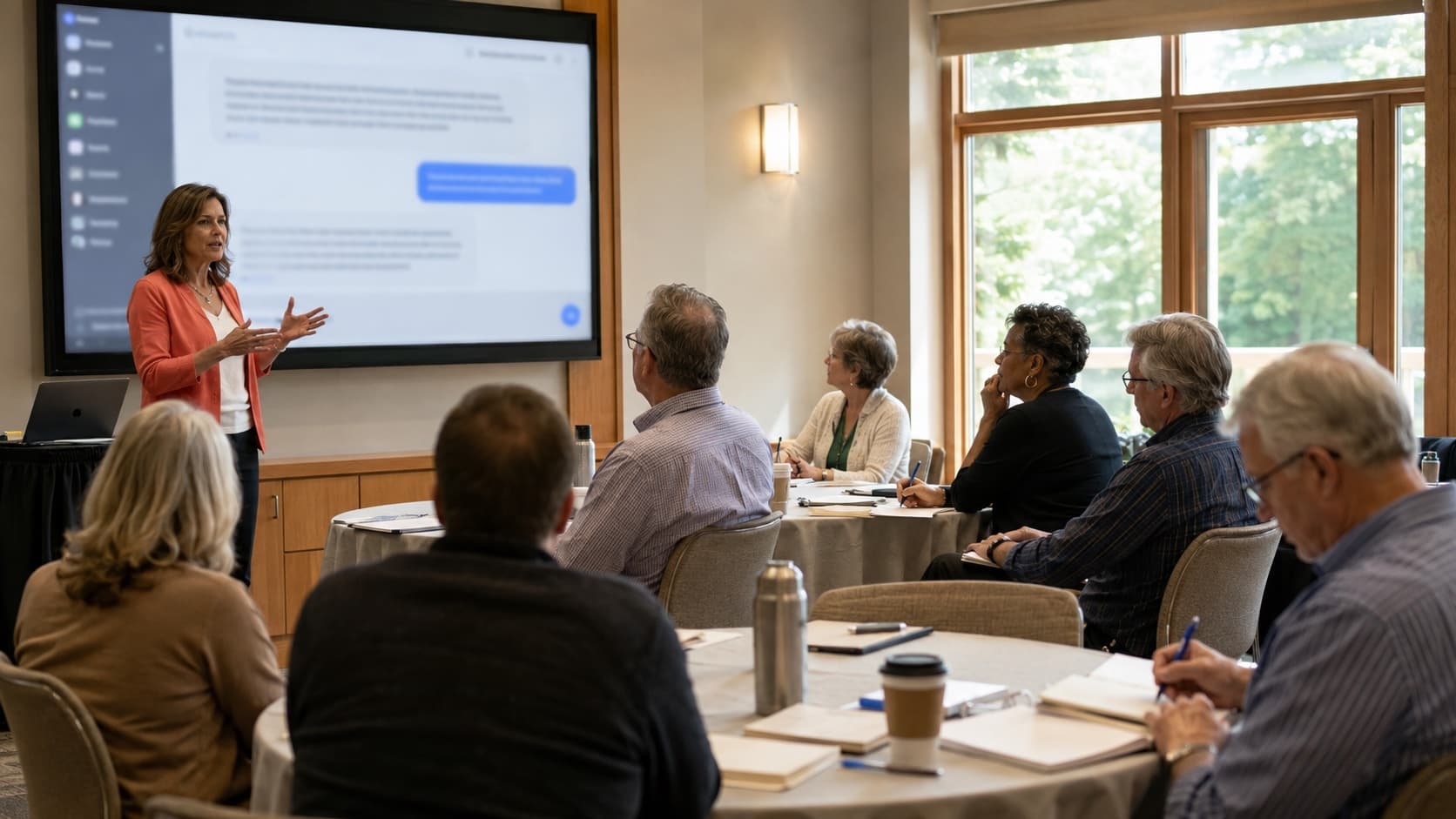
AI-generated illustration; not a CareMAR session.
From one good answer to a job you can repeat.
A chat answers when you ask. In these sessions you set up one office job to run the same way each time. You learn what a tool can and cannot see, and you check what comes back. No coding required.
On your own
In the session
On your own
Retyping the same request every week
In the session
Set up one office job once, with its rules, and check what it produces
On your own
Not sure what a tool can see once it's connected
In the session
Learn how an assistant connects to a calendar or email, what it can then read, and what to ask before connecting anything
On your own
Tips that are easy to forget
In the session
Leave with templates you built on fictional examples and a written safety checklist
On your own
Adapting examples written for other kinds of business
In the session
Care-home office jobs: family updates, public rules, staff schedules and monthly bills, all on fictional examples
On your own
Stuck after the first try
In the session
Written materials you keep, and follow-up questions by email
FIRST, A QUICK INTRO
Claude is the AI assistant we teach with.
Most people have heard of ChatGPT. Claude is another widely used AI assistant, built by Anthropic. We use it in our own work and teach with it because three of its features fit the way a small operator actually works.
Projects — your facility's information, saved once
Drop in your facility's voice, your public policies, and your state's public regulations once. Every conversation in that Project starts from them — no re-explaining each Monday. Nothing about a resident goes in.
Skills — reusable workflows your team can run
Package a workflow once — your weekly family-update template, your survey-prep checklist — and run it the same way each time, with a person checking the result.
Computer use — an assistant that can operate software, with limits
Newer assistants can open a browser or an app and work in it on your behalf. We show what that looks like on a fictional example, and why a resident record is never the place to try it.
Why this matters for small operators
AI is changing how every business runs. You don't need a consultant to start.
You wear every hat
Owner, operator, scheduler, family liaison, marketer, compliance officer. AI is the assistant you've been waiting to hire.
Your time is the business
Every hour spent on email, paperwork, and reporting is an hour not spent with residents, staff, and family. We try to give some of that back, one job at a time.
Your team can use it too
Once you know the workflows, your nurses, CNAs, and admin staff can run them. We teach you to teach them.
What you'll build, not just learn.
Nine topics we cover across the sessions, from prompt basics to reusable templates. Each comes with a fictional worked example and a written checklist you keep; nothing uses resident information.
Family communication
Build a fill-in-the-blank family update template once, so the facts go in by hand on your side. Practice the wording for a hard conversation on a fictional example, and keep a warm condolence letter template ready.
- Weekly family update template
- Wording for a difficult conversation (fictional example)
- Condolence letter template
- Reply to a family's first inquiry
Regulatory compliance
Turn your state's public regulation text into a self-audit checklist, draft staff training materials, summarize a regulatory update, and build an incident-report template you fill in yourself, in your own record. A person checks every checklist against the rule itself. General operational information, not legal advice.
- Public rules into a self-audit checklist
- Staff training materials
- Regulatory update summaries
- Incident-report template (no resident detail)
Staff management
Create job descriptions, generate interview questions, draft employee handbooks and training programs, and draft a week's staff schedule from an invented availability sheet. Fictional examples only: no resident information, and no real staff names, availability, pay, health or family details. A person checks every draft against your staffing requirements, your policies and your state's employment rules before any real use. General operational information, not legal advice.
- Job descriptions and ads
- Structured interview questions
- Employee handbook drafts
- A week's staff schedule, drafted from an invented availability sheet
Care documentation formats
Practice on fictional examples: how to structure a shift handoff summary, an activity plan, or a progress note so a person can fill in the real facts in your own record. No real resident information is ever used. A person checks every format against your state's rules and your policies before any real use. General operational information, not clinical or legal advice.
- Shift handoff summary format
- Activity plan template
- Progress-note structure
- What never goes into a public tool
Marketing and admissions
Write facility descriptions for your website, draft thoughtful responses to inquiry calls, create tour scripts, reply to online reviews without discussing anyone's care, and write to hospital discharge planners.
- Website facility descriptions
- Inquiry call response scripts
- Tour scripts
- Hospital outreach emails
Build an AI assistant that already knows your facility
Set up a workspace that holds your facility's voice, your public policies, and your state's public rules once, so every conversation starts from them. (Anthropic calls these Claude Projects.) Nothing about a resident goes in.
- Family communication assistant in your house style
- Policy lookup loaded with your state's public rules
- Survey-prep assistant built on public regulation text
- Onboarding checklist assistant for new staff
Build a workflow once. Your team can run it every time.
Stop retyping the same request. Package the workflow once (how your facility writes a weekly family update, how you prep for a survey, how you list the month's office bills) so your team runs it the same way, with a person checking the result. For bills, cover account and card numbers, and leave out any bill that names a resident, before anything goes into a chat. (Anthropic calls these reusable workflows 'Skills.')
- Your weekly family-update workflow
- Your survey-day preparation checklist
- Your month's office bills, listed by due date (fictional bills)
- Your monthly policy review
Make Claude work alongside you — not just answer you
Newer assistants can keep context across sessions, run a saved workflow, and in some tools operate software on your behalf. We show what that looks like on fictional examples and where the limits are. Nothing here connects to your resident records.
- A draft incident-report structure while you do rounds (fictional)
- A Monday huddle agenda from your own notes
- A saved workflow run again next week
- What to check before letting any tool act for you
Connect AI to the tools you already use every day
Assistants can connect to calendars, email, and document tools through open standards such as Model Context Protocol (MCP). We explain how that works, what data it exposes, and which questions to answer before connecting anything. Connections are shown, not installed.
- How a calendar connection works
- What a document connection can read
- The data questions to ask a vendor
- When not to connect a tool at all
Built for the people who actually run the building
If you've ever ended a 60-hour week wondering how the paperwork piled up, this is for you. We don't assume any tech background — only that you care about your residents and want your time back.
Care home owners and administrators
Family-run residential care, group homes, and assisted living of any size.
Hospice administrators and clinical directors
Hospice teams managing family communication and bereavement correspondence under heavy emotional and regulatory load. The sessions use fictional examples only.
Operators considering CareMAR
If you are modernizing your medication administration, the same business-side workflows sit alongside an eMAR. The sessions never require one.
State association members
RALNA, AHCA/NCAL, NHPCO, LeadingAge, and state-level associations. Where an association invites a no-selling session, we can bring one to a conference or chapter meeting.
How the seminars actually run
A practical, hands-on session: you watch one agent do an office job, then write your own job and three rules on a fictional example and check what comes back. Length and format are set for each session when it is scheduled.
AI fundamentals
What these tools are, what they're good at, what they're terrible at, and the one safety rule every care home owner needs to know about resident data.
Live demos with fictional scenarios
We show an AI agent doing an office job on a fictional example: the chat you already use, plus a job, three rules and a schedule. On a demo account with made-up content, we connect a sheet, an inbox and a calendar once and set the agent to draft a supply reorder list every Monday. Connections are shown, not installed: nothing is connected to your own accounts in the session. Nothing from a real home is used.
Hands-on practice
Open your laptop and write your own agent's job and three rules on a fictional example, with a CareMAR engineer helping you tune them. It drafts, you check, you send. You leave with a workflow you've already run once. Which plan you need for scheduling depends on the tool and can change; we show you where to check.
Take-home pack
A workbook of the templates you built and the safety checklist, to keep, share with your staff, and adapt as your facility changes.
Two ways to attend
AI-generated illustration; not a CareMAR session.
Online via Zoom
Live sessions over video, announced when scheduled. Whether a session is recorded is decided per session.
AI-generated illustration; not a CareMAR session.
In-person at industry events
Where an association invites a session, we can run it in person at a conference or chapter meeting. None is scheduled yet.
Learn alongside other operators
Care home owners share notes constantly: about good staff, tough surveyors, hard families, and the workflows that work. Our seminar series is built around that culture.
AI-generated illustration; not a CareMAR session.
Written materials you keep
Every template and checklist from a session is yours to keep and share with your staff.
Follow-up by email
Questions after a session go to hello@caremar.us and get a reply from the team.
Reading new rules
In a session, we show how to use AI to help read a newly published rule in your state, then check it against the source.
WHO'S BEHIND THIS
A nurse-led team that builds for small homes.
CareMAR is nurse-led: nurses work alongside former Amazon engineers to build and guide the product. A CareMAR engineer runs the sessions, translating technical systems for people who run buildings. We teach the parts we use ourselves, and we say plainly where the limits are.
Built CareMAR
A medication record built for small residential care homes and guided by nurses.
Engineers who build the product
Software engineers who work on the system itself.
Translate technical → operator
We built CareMAR for nurses and CNAs who don't want to learn software. Same approach to teaching AI to people who run buildings.
What you walk away with
- A template you built on a fictional example, for one business-side job
- A written safety checklist: what stays private and what can go into a tool after a person checks it
- A self-audit checklist built from your state's public regulation text
- The written steps to run your template again next week
- A way to ask follow-up questions by email
Want to hear when a session is scheduled?
Tell us a little about your facility and we'll email you when the next online or in-person session is scheduled.
We use your details to tell you about sessions and to reply, and as our Privacy Policy describes. We don't sell them or give them to other companies for their own use.